Photoshop Essentials for Beauty Retouching
Introduction to basic retouching tools and techniques.
Already enrolled? Your Course Library
In this brief introductory course, we go over the Adobe Photoshop interface, tools, and key techniques used specifically in professional beauty retouching (see full course outline below).
Retouching is the final stage of the visual production process, and it determines how the work you put into a shoot actually looks when it is published.
Whether it is a portfolio shoot or a paid project you were hired for, retouching can make or break all the effort invested in it. Mobile face apps and AI platforms offer shortcuts that do not hold up to campaign quality, so professionals who offer paid photography and retouching services learn retouching in Photoshop.
If you are completely new to working in Photoshop or using it for retouching specifically, this course will prepare you for learning beauty retouching at a professional level.
▶︎ Created by Julia Kuzmenko McKim and Sarah Tucker, a commercial beauty photographer and retoucher in Los Angeles and a senior retoucher with over a decade of in-house experience in London. Every lesson distills decades of combined industry experience into the refined retouching methods we use in commercial work.
Who is this course for?
Photographers and other creative professionals new to Adobe Photoshop and retouching, interested in learning beauty retouching at a professional level.
🌟 Check out our students' Testimonials!
📲 Continue learning anywhere via the Kajabi app on mobile devices.
By purchasing our products, you agree to our Terms & Conditions.
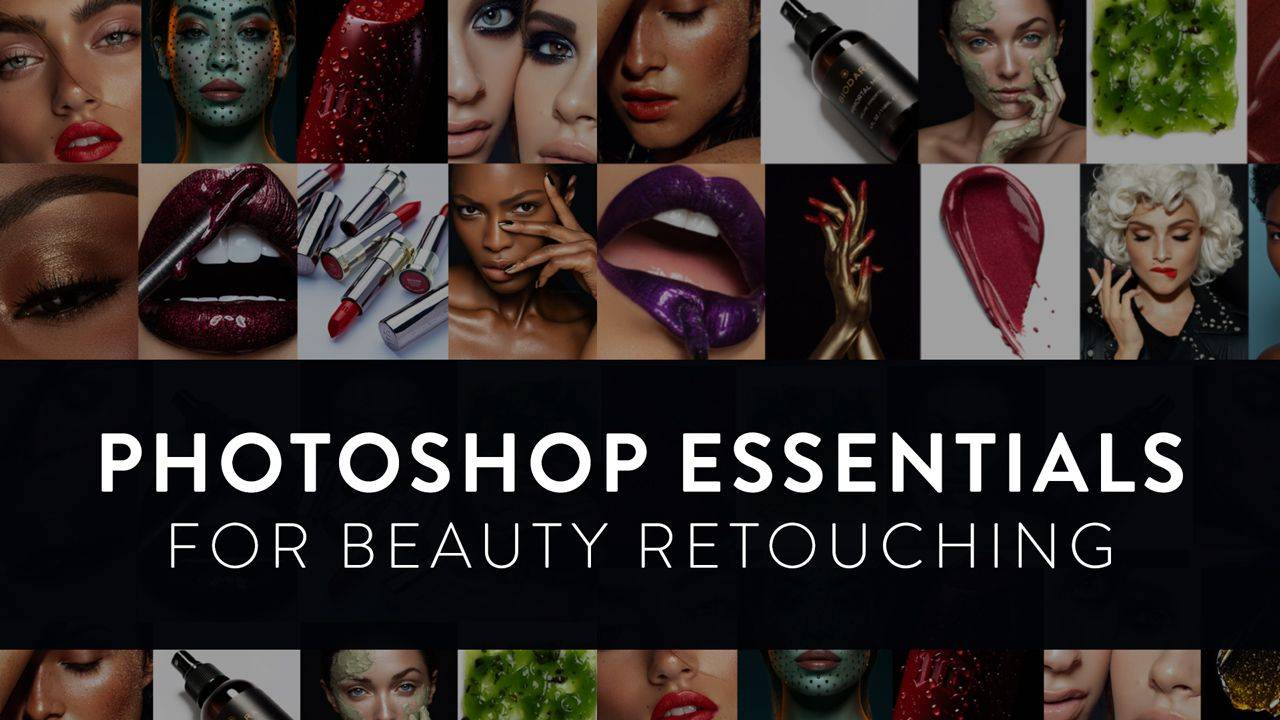
Photoshop Essentials for Beauty Retouching
-
Introduction
4 lessons- Welcome to the Course
- Introduction: Professional Retouching
- [Download] ▶︎ Brand Work Guide & Vocabulary
- Legal Notice
-
Lesson 1: Your Photoshop Workspace
5 lessons- 1.1 Photoshop Interface & Essential Palettes
- 1.2 Screen Modes
- 1.3 Tools & Toolbar
- 1.4 Keyboard Shortcuts
- 1.5 Saving Your Workspace
-
Lesson 2: Working with Layers
5 lessons- 2.1 Layer Types
- 2.2 Arranging Layers
- 2.3 Layer Masks
- 2.4 Layer Groups
- 2.5 Preserving Your Layers
-
Lesson 3: Main Retouching Tools
7 lessons- 3.1 Basic Image Adjustments
- 3.2 The Brush Tool
- 3.3 The Clone Stamp Tool
- 3.4 The Healing Brush Tool
- 3.5 Spot Healing Brush & New Layer Button
- 3.6 AI Tools for Beauty & Portrait Retouching
- 3.7 AI-Powered Tools for Hair Retouching
-
Lesson 4: Retouching, Color & Techniques
10 lessons- Retouching with Graphics Tablets (Reading)
- Smart Structure of Your PSD Files
- Correcting Problematic Skin Texture
- Retouch Skin in a Couple Of Minutes?
- Correcting Color Issues in Beauty Photography
- Dodge & Burn Technique - Part 1
- Dodge & Burn Technique - Part 2
- Dodge & Burn Technique - Practical Application
- Streamlining Retouching through Automation
- Working with Color & Color Consistency
-
What's Next?
3 lessons- Code Of Ethics & Professional Practice
- Further Professional Development & Tools
- ♥️ Please Share Your Thoughts!
What you will find inside:

Theory & Practice
Video lessons & Downloadable Materials
We’ve distilled the most impactful information so that you can learn and apply your new retouching skills as efficiently as possible.

Practice Files
Beauty images, shot by the authors.
Each module includes practice beauty and other images, bonus materials, and practice assignments to help you quickly internalize what you are learning.

Real-World Pro Approach
Our custom Actions & Brushes.
A professional workflow perfected through a decade of commercial work by Julia Kuzmenko McKim and Sarah Tucker.
Here's what our students are saying:
Ethan
Freelance Retoucher
“I bought all the courses from Retouching Academy, and they never disappointed me! I learned so much and improved my retouching skills from these courses over the last 2 years, and now I have my own clients, and I also work with some well-known brands such as ELLE, Gucci, LV, L'Officiel, etc."
Valentina Duran
Freelance Retoucher
“Thanks to RA courses and RA panels, I was able to take my retouching skills to a new level and understand how to make it a business that prospers. I learned new approaches to the techniques that I already knew, and my workflow became much faster and leaner."
Margarita Ptitsyna
Freelance Retoucher, Avenue Studio
“Retouching Academy courses are really the best! They teach you the professional way of retouching: how to make your pictures look perfect, but still natural; how to speed up your workflow, and how to organize your PSD files so you will always be able to make any corrections at any stage of your retouching process."