Master the "Dodge and Burn" Technique
The cornerstone of professional retouching.
This course is a deep dive into one of the most important techniques in professional retouching known as Dodging and Burning (D&B).
Achieving flawless, yet natural-looking skin is one of the main challenges professional retouchers face in beauty and portrait retouching.
Central to this process is the Dodge & Burn technique - the cornerstone of professional retouching - used to perfect the appearance of the skin without compromising its natural texture, thus leading to the most realistic results that are expected in professional retouching.
This course takes you through every nuance of this powerful technique (see full course outline below).
Over 3 hours of video lessons, accompanied by practice files, custom actions, and brushes.
▶︎ Created by Julia Kuzmenko McKim and Michael Woloszynowicz, professional beauty and fashion photographers, retouchers, and educators. Every lesson distills decades of combined industry experience into the refined retouching methods we use in commercial work.
Who is this course for?
Photographers and retouchers who are already familiar with basic retouching tools and techniques and want to gain a deep understanding of the underlying principles of the D&B technique, to improve their skin and beauty retouching.
Most retouchers learn D&B as a set of steps and stop there. The result shows: skin that looks worked on, transitions that go flat, and hours spent on passes that could - and should - have been done in minutes. This course covers how to read an image before you start, where the technique and its versions belong in the workflow, and how far to take it on any given brief.
D&B underpins skin, hair, and beauty retouching alike, so the judgment you build here carries into every retouch you do after it, regardless of which tools you use.
🌟 Check out our students' Testimonials!
Bonus: Downloadable custom actions, brushes, and practice images are included.
📲 Continue learning anywhere via the Kajabi app on mobile devices.
By purchasing our products, you agree to our Terms & Conditions.
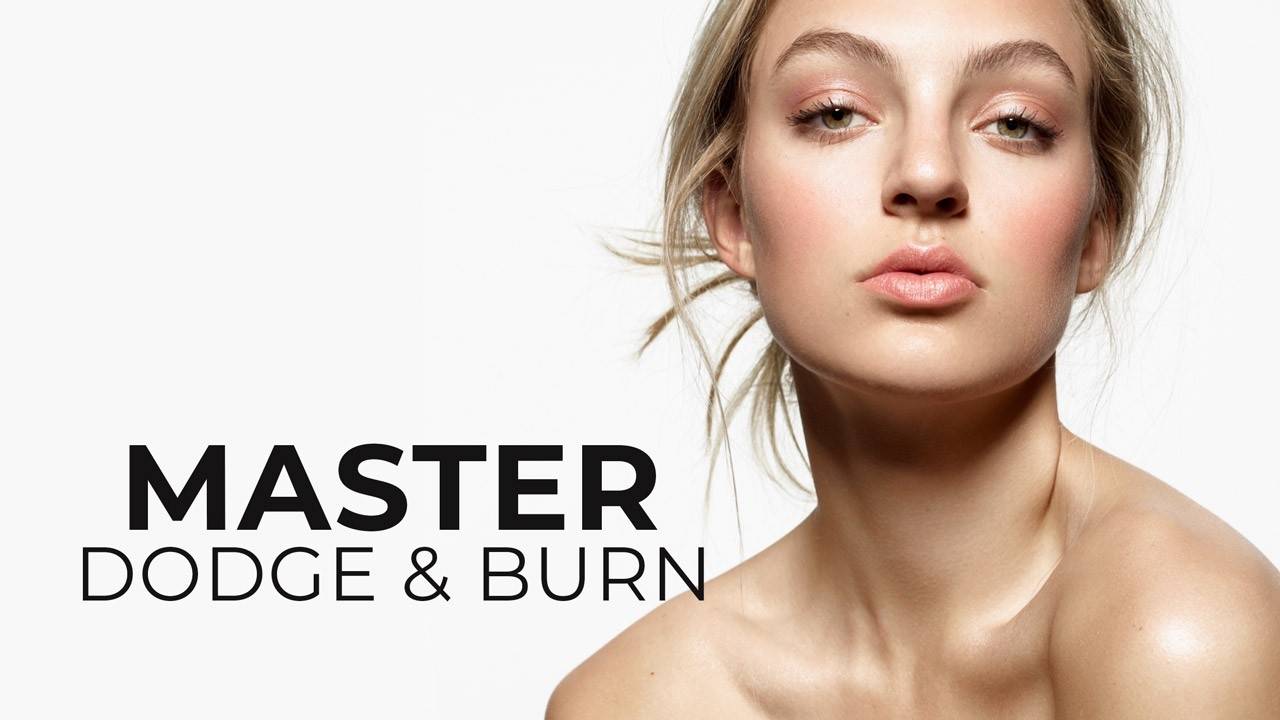
Master Dodge & Burn
-
Introduction & Downloads
5 lessons- Welcome to the Course
- Introduction
- Additional Materials & Downloads
- [Download] ▶︎ Brand Work Guide & Vocabulary
- Legal Notice
-
Lesson I: Concept, Types & Setup
9 lessons-
Part 1: The Underlying Theory Behind D&B
- 1.1 Introduction to D&B
- 1.2 The Elements of an Image
- 1.3 The Two Main Types of Dodge & Burn
- 1.4 D&B vs. Other Retouching Techniques
-
Part 2: D&B Types Within Your Workflow
- 2.1 D&B Types Within Your Workflow
- 2.2 Corrective D&B: The Curves Method
- 2.3 Contouring: Setup & Approach
- 2.4 Corrective D&B: The 50% Gray Layer Method
- 2.5 Where Dodge & Burn fits in Your Workflow Best
-
-
Lesson II: Corrective (Local or Macro) Dodge & Burn
4 lessons- 2.1 Corrective D&B: Setup & Workflow
- 2.2 Corrective D&B: The Process
- 2.3 Practical Example: Dodging & Burning Fabrics
- Assignment #1: Fabrics Practice File
-
Lesson III: Global D&B or Contouring
5 lessons- 3.1 Contouring: Strategy & Practical Implementation
- 3.2 Contouring: The Process
- 3.3 Contouring: The Process, Continued
- 3.4 Contouring: The Process, Continued
- Assignment #2: Dodging & Burning - Sphere Practice
-
Lesson IV: Color Correction & Final Touches
5 lessons- 4.1 Identifying & Correcting Color Issues
- 4.2 Correcting Color Shifts with Hue/Sat Adjustment Layer
- 4.3 Correcting Color Shifts with Selective Color Adjustment Layer
- 4.4 Fixing "Peach Fuzz" and Color Corrections
- 4.5 Final Summary: Overview & Strategy
-
What's Next?
4 lessons- Code Of Professional Practice
- Further Professional Development & Tools
- ♥️ Please Share Your Thoughts!
- ▶︎ RA Affiliates earn 25-30% commission per sale
What you will find inside:

Theory & Practice
Over 3 hours of video lessons.
We’ve distilled the most impactful information so that you can learn and apply your new retouching skills as efficiently as possible.

Practice Files
Beauty images, shot by the authors.
Each module includes practice beauty and other images, as well as bonus materials to help you quickly internalize what you are learning.

Real-World Pro Approach
Our custom Actions & Brushes.
A professional workflow perfected through a decade of commercial work by Julia Kuzmenko McKim and Michael Woloszynowicz.
Here's what our students are saying:
Ethan
Freelance Retoucher
“I bought all the courses from Retouching Academy, and they never disappointed me! I learned so much and improved my retouching skills from these courses over the last 2 years, and now I have my own clients, and I also work with some well-known brands such as ELLE, Gucci, LV, L'Officiel, etc."
Valentina Duran
Freelance Retoucher
“Thanks to RA courses and RA panels, I was able to take my retouching skills to a new level and understand how to make it a business that prospers. I learned new approaches to the techniques that I already knew, and my workflow became much faster and leaner."
Margarita Ptitsyna
Freelance Retoucher, Avenue Studio
“Retouching Academy courses are really the best! They teach you the professional way of retouching: how to make your pictures look perfect, but still natural; how to speed up your workflow, and how to organize your PSD files so you will always be able to make any corrections at any stage of your retouching process."